CHIFAT®
/ catalog / 1688 / 安全、防护 / 621216739851

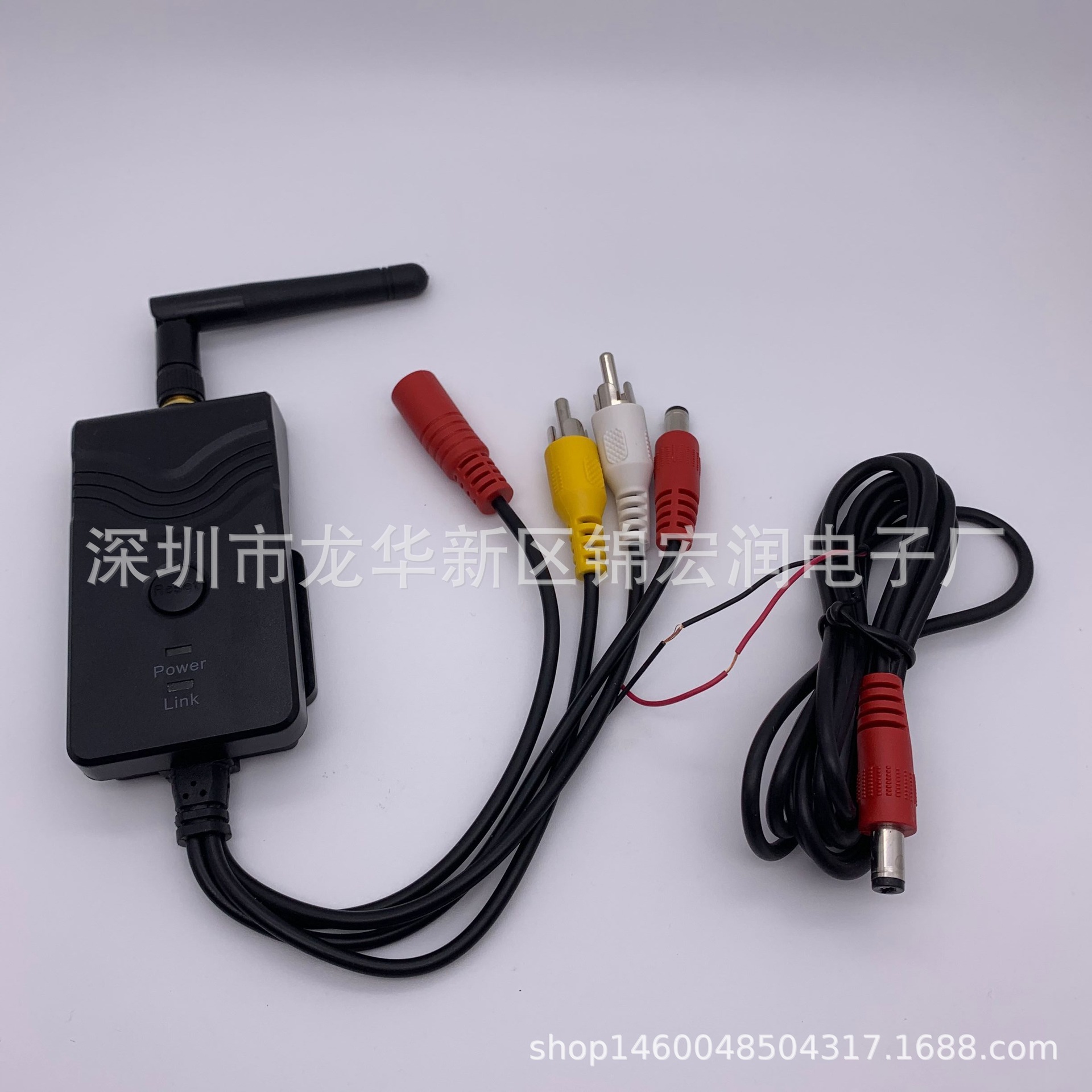
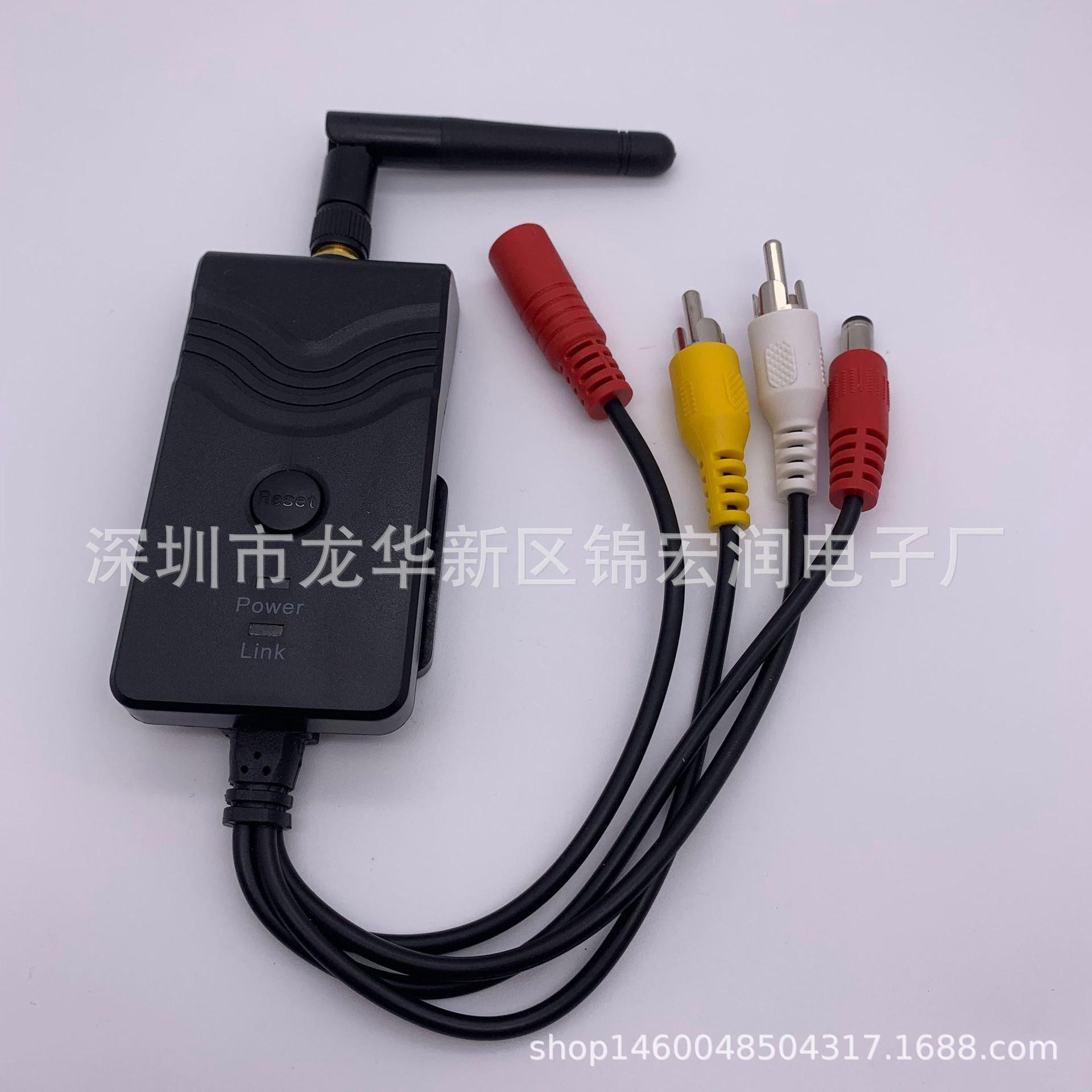
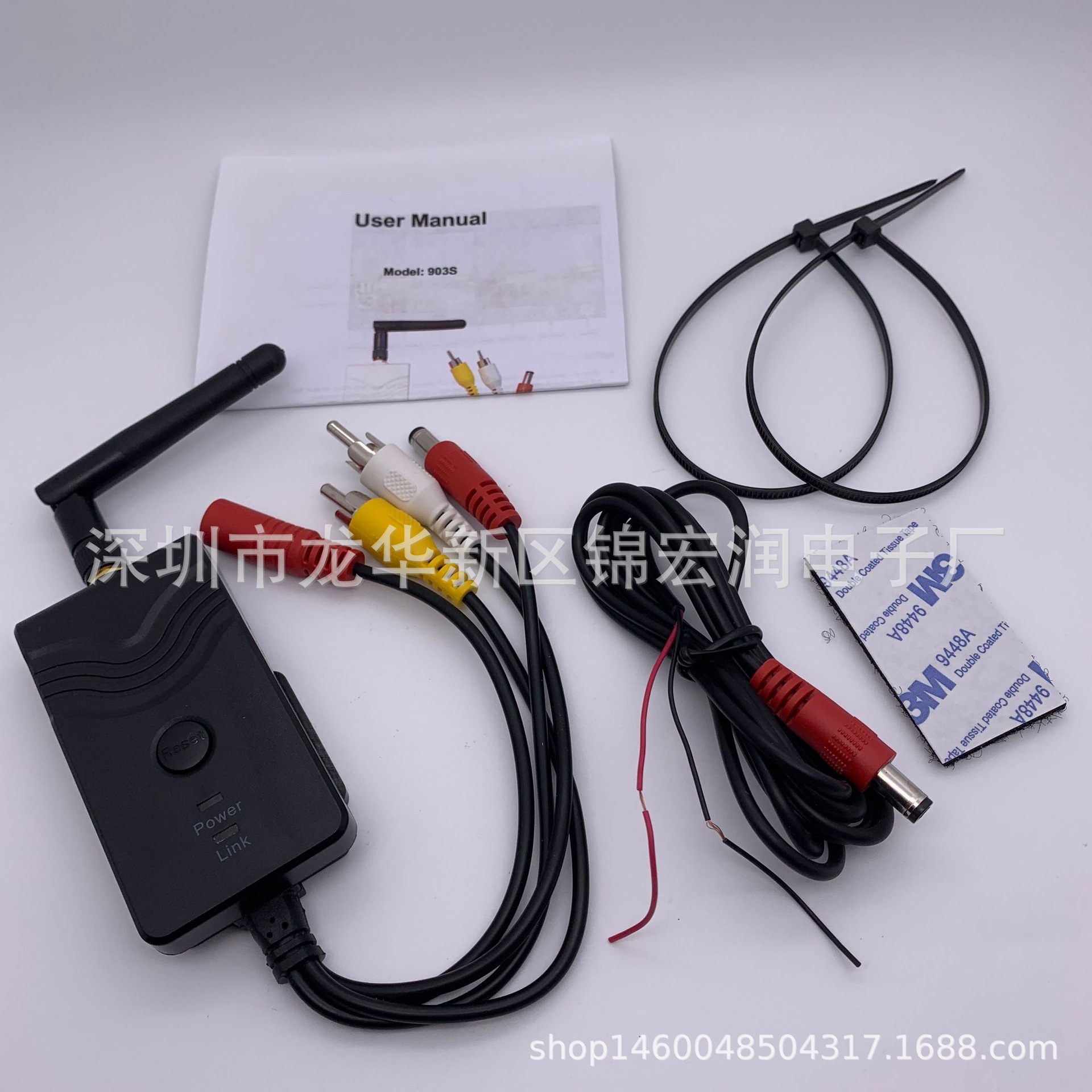
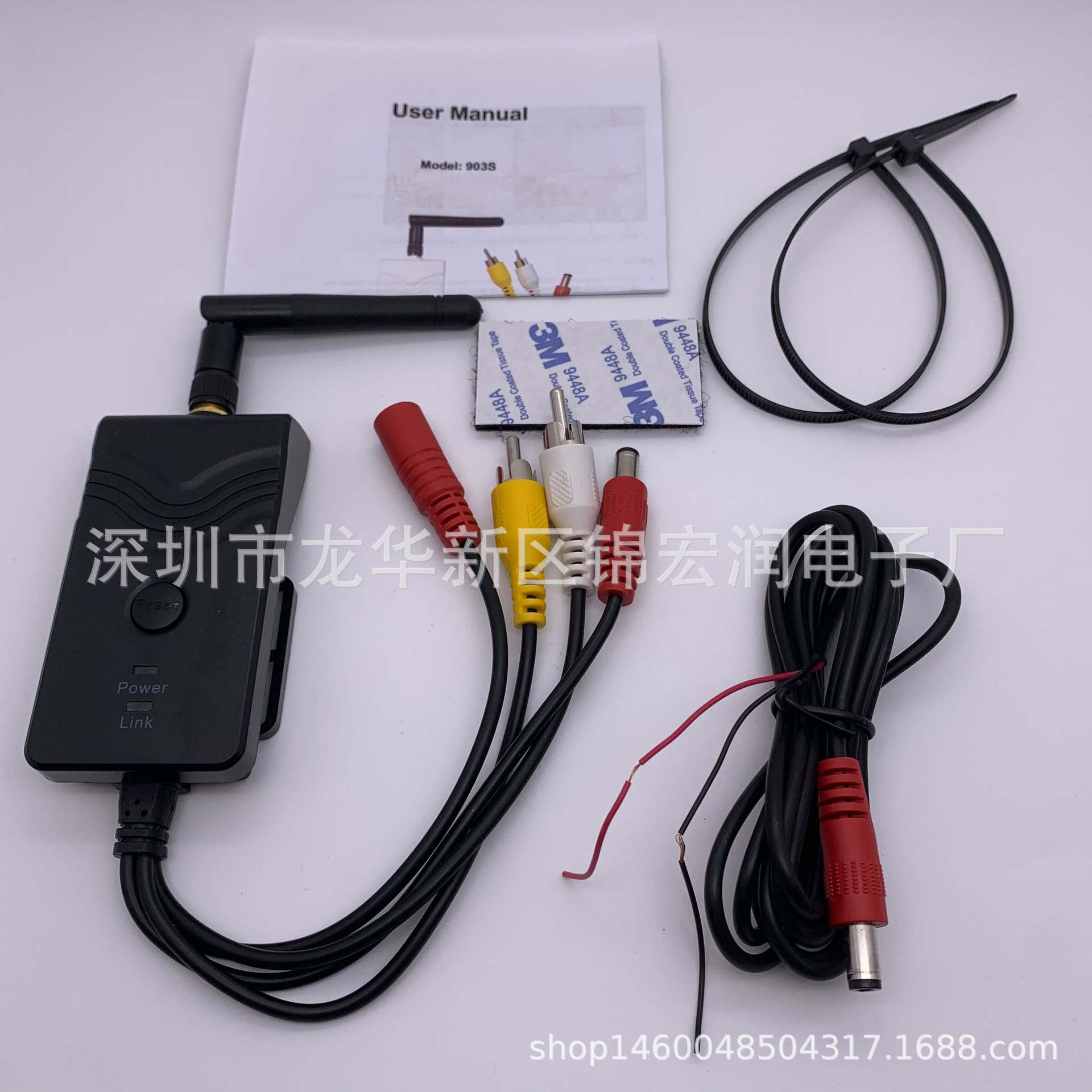
FPV专用AV视频WIFI转发器 Wifi Transmitter 903S (903W升级版)黑
- 类别
- 安全、防护
- 起订量 (MOQ)
- 1
- 供应商
- 深圳市龙华新区锦宏润电子厂
/ catalog / 1688 / 安全、防护 / 621216739851
价格
起 3 395 ₽
903S是903W的升级版!!! 同903W的区别是:多了音频,画质更清晰,画面无切割,可以支持多部手机同时观看视频,软件界面多了3D双画面显示,支持手机录制,支持设备端录制(要加内存卡), 适用于:无线监控,视频录像机,无线倒车后视,机顶 盒工程宝,等等 产品特性: l WIFI 音视频传输器 , 同时支持音频,视频,画质更清晰,画面无切割,可以支持多部手机同时观看视频,可以 3D 双画面显示,支持手机录制,支持设备端录制。 l 用户在 FPV 飞行中可充分利用智能终端作为显示器和录像机,简单便捷 l 输入图传接收机 AV 信号, 转发距离(无遮挡)大于 150 米 ,也可直接使用 l 输入图传接收机 AV 信号条件下,无信号、弱信号均为雪花,可最大限度拯救您的爱机 l 通过 WIFI 无线发送至安卓、苹果系统的手机或平板, WiFi 对 2.4G 遥控器无干扰 l APP 软件简单易用,支持显示、缩放、录像、截图和回放,支持设置热点密码 l 9-30V 宽电压直流电源供电,同时带电源输出口,方便为图传供电 l 支持安卓 4.3 或更高系统版本,苹果 iOS 支持 10.3 或更高系统版本,特别针对 iPHONE5 优化 l 延迟小,安卓系统手机、平板不大于 150 毫秒,苹果系统手机、 iPAD 平板约 100 毫秒 参数表 Item Specifications 发射器 发射频率 2400MHz-2483.5MH Modem 模式 802.11b: DSSS(CCK,DQPSK,DBPSK) 802.11g/n: OFDM(BPSK,QPSK,16QAM,64QAM) 传输距离 >150m 视频输入格式 CVBS(NTSC/PAL) 视频输入幅度 1.0Vp-p 视频输入阻抗 75Ohm 音频输入幅度 音频阻抗 视频帧数 30fps 视频格式 VGA 视频压缩 H.264 无线支持 IEEE 802.11b, IEEE 802.11g IEEE 802.n(1T1RModes) 电源 DC 9-30V 电流 250mA (Max) 加密模式 WPA2 防水 Yes 重量 80+-5g 尺寸 78*43*18mm 工作温度 -10 ℃ ~+50 ℃ 工作速度 15%~85% RH 安卓系统的操作使用 ¨ 安装 APP 软件 : 1. GOOGLE PLAY store 可以下载,也可由客服在线发送。 2. 查找 ” WIFIAV-HD ”, 并下载安装 , 或者扫描下面的二维码,下载安装 3. 使用 APP 软件 , 按照如下步骤: 4. 打开智能终端并进入 ¨ 连接 WIFI: 1. 打开智能终端的 WIFI ,搜索 AP 热点 . 设备 SSID 为 “ WIFI AV-HD ” ,输入密码 ( 默认密码 : 12345678 ) 。 2. 点击智能终端 “ ” 图标,运行 APP 。 ¨ 监控视频 : 打开 APP ,如 WIFI 连接正常 , APP 可以看到画面。 注意 : l 如背景变黑或画面停顿,请退出 APP ,同时检查 WIFI 连接是否正常。如连接不正常请重新进入。 l 如显示卡顿,请清理手机,释放更多的运行内存。 ¨ 设置 : 点击 进入设置菜单。你可以设置 SSID 和密码,也可以点其他图标来实现另外的功能 注意 : l 用户可长按 RESET 按钮 10 秒恢复默认设置 iOS 苹果系统的操作说明 ¨ 安装 APP 软件 : 1. 打开智能终端,进入 APP store 苹果应用商店 2. 搜索 ” WIFIAV-HD ” ,并下载安装 , 或者扫描下面的二维码下载安装。 3. 使用 APP 软件 , 按照如下步骤: ¨ 连接 WIFI: 1. 打开智能终端的 WIFI ,搜索 AP 热点 . 设备 SSID 为 “ WIFI AV-HD ”, 输入密码 ( 默认密码 : 12345678 ) 。 2. 击智能终端 “ ” 图标,运行 APP 。 ¨ 监控视频: 打开APP , ,如WIFI连接正常, APP可以看到画面。 注意 : l 如背景变黑或画面停顿,请退出 APP ,同时检查 WIFI 连接是否正常。如连接不正常请重新进入。 ¨ 设置 : 点击 进入设置菜单。你可以设置 SSID 和密码,也可以点其他图标来实现另外的功能 注意 : l 用户可以长按 RESET 按钮 10 秒恢复默认设置 Product Features l WIFI Audio and Video Transmitter transmission, support iPhone, iPad, and Android phone l Adjustable multiple angle camera viewing, with image-flip ability l Camera & transmitter rainproof, dustproof and shockproof l Minimum illumination less than 0.5 Lux, digital compensation for clear night vision l Easy installation, wiring free l 12-30VDC car power supply l Transmission distance with no obstacle more than 150meters l The client terminal shall support Android 2.2 or above, and iOS shall support Version 4.3 or above. Specifications Item Specifications Transmitter Transmitting frequency 2400MHz-2483.5MH Modem mode 802.11b: DSSS(CCK,DQPSK,DBPSK) 802.11g/n: OFDM(BPSK,QPSK,16QAM,64QAM) Transmission distance with no obstacle >150m Video input Format CVBS ( NTSC/PAL ) Video Input Level 1.0 Vp-p Video Input Impedance 75 Ohm Audio Input Level 1.0 Vp-p Audio Input Impedance 600 Ohm Frame rate 30fps Video resulutions VGA Video compression H.264 Wireless protocols IEEE 802.11b, IEEE 802.11g IEEE 802.n(1T1RModes) Power supply DC 9-30V Consumption current 250mA (Max) Encryption mode WPA2 Rainproof Yes Weight 80+-5g Dimensions 78*43*18mm Operation tempreature -10 ℃ ~+50 ℃ Operation humidity 15%~85% RH Operations for Android system client ¨ Installation APP software : 1. GOOGLE PLAY store. 2. Search ” WIFIAV-HD ” software, and download. Or scan the QR code, Download. 3. Install the APP software, as the following interface: 4. Turn on the intelligent mobile device terminal and enter ¨ Connection WIFI: 1. Click”wi-fi”, select your camera, and connect the wifi of the intelligent mobile device terminal to the wifi of the tool. The initial SSID of the device is “ WIFI AV-HD ”, then type in the password of the device(default password: 12345678 ). 2. Click the “” icon in the main interface of the intelligent mobile device terminal. ¨ View the video: Open the app, and if the connection between the wifi of the tool and the intelligent mobile device terminal is successful, the images transmitted from the wifi camera tool can be seen in the APP, as shown in the figure. Notice : l When the background is black or the image is still, please exit the app, and check whether the wifi connection is normal. Then click again the app icon to enter into the software interface. ¨ Settings: Press this icon t o enter into the settings menu. You can change the default factory SSID and password of the wifi camera tool , and the other icons can realize some other functions Notice : l User could long press the “RESET” button of the transmitter for 10 seconds to reset the default factory SSID and password. Operations for iOS Apple system client ¨ Installation APP software : 1. Turn on the intelligent mobile device terminal and enter APP store. 2. Search ” WIFIAV-HD ” software, and download. Or scan the QR code, Download 3. Install the APP software, as the following interface: ¨ Connection WIFI: 1. Click”wi-fi”, select your camera, and connect the wifi of the intelligent mobile device terminal to the wifi of the tool. The initial SSID of the device is “ WIFIAV-HD ”, then type in the password of the device(default password: 12345678 ). 2. Click the “” icon in the main interface of the intelligent mobile device terminal. ¨ View the video: Open the app , and if the connection between the wifi of the tool and the intelligent mobile device terminal is successful, the images transmitted from the wifi camera tool can be seen in the APP, as shown in the figure. Notice : l When the background is black or the image is still, please exit the app, and check whether the wifi connection is normal. Then click again the app icon to enter into the software interface. ¨ Settings: Press this icon to enter into the settings menu. You can change the default factory SSID and password of the wifi camera tool , and the other icons can realize some other functions Notice : l User could long press the “RESET” button of the transmitter for 10 seconds to reset the default factory SSID and password.